
Sew-out simulator
Embroidery sew-out simulator: watch it stitch before your machine does
StitchMyPic's sew-out simulator replays an embroidery design stitch by stitch, in the order your machine will sew it, on the fabric colour you choose. You see each colour, jump and trim as it happens, and get the stitch count, number of colours, trims and an estimated sew time before you download or load the file.
Press play on the sample badge
Real stitch data, sewn in the machine's order.
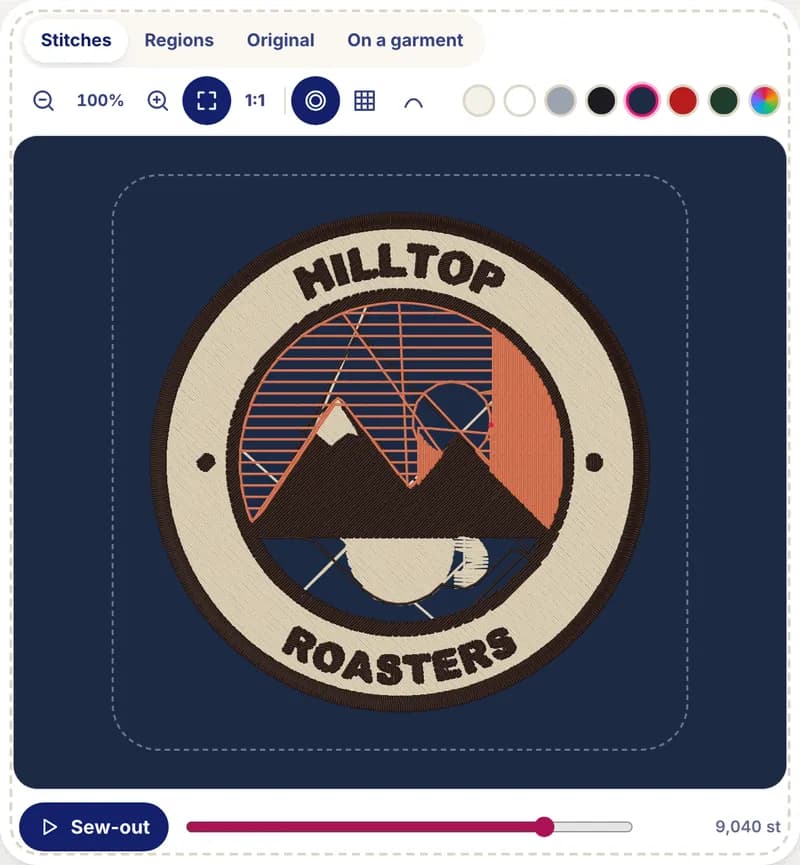
A finished preview can hide things that only show up while sewing: a detail sewn before the fill underneath it, an outline in the wrong place in the sequence, dozens of trims. The sew-out shows the actual order. Press play on the badge below: it is the real stitch data of our coffee badge sample (3.78 in (96 mm), 12,329 stitches, 4 colours).


How it works
- 1
Preview your picture
Drop a picture on the free preview, or open it in the editor. It is digitized in your browser in a few seconds.
- 2
Choose a fabric colour
Show the stitches on light linen, white, gray, black, navy, red or green fabric to see how the thread colours read on your garment.
- 3
Press sew-out
The design is sewn stitch by stitch, colour by colour, with a needle marker on the current stitch. Pause, resume or replay at any time.
- 4
Read the numbers
Size, stitch count, colours and stops, trims and an estimated sew time based on your machine's speed. The editor warns about very dense or trim-heavy files.
Why it helps
Catch sequence problems
See whether fills go down before the details on top, and whether outlines come last, before a single stitch is wasted.
Price and plan the job
Stitch count and sew time are what shops price by. Know them before you quote a customer or schedule the machine.
Judge colours on your fabric
A light thread that disappears on white or a navy that vanishes on black is obvious in the preview.
Preview existing files too
In the editor you can also open a PES, DST, JEF or EXP file you already have and watch it sew out.
What to look for in a sew-out
- Order of the layers. Large fills and backgrounds should sew first, then the shapes on top, then fine details and outlines last.
- Trims and jumps. Every trim costs a few seconds and a thread tail to clean up. Lots of tiny separate areas in one colour mean lots of trims.
- Colour stops. Each colour change means rethreading on a single-needle machine. Merging two near-identical colours saves a stop.
- Small text and thin lines. If lettering looks like single lines in the preview, it will on fabric too: make the design wider or simplify the artwork.
- Coverage. Gaps between neighbouring colours in the preview usually mean gaps on the fabric.
The sew time estimate counts the stitches at your machine's speed (700 stitches per minute unless you set yours), plus about 30 seconds per thread change and 3 seconds per trim. Hooping and stabilizer prep are not included.
Good to know: the limits
- It is a stitch-accurate replay, not a fabric simulation: it doesn't show pull and push on stretchy fabric, puckering or thread breaks.
- Colours on screen are close to the thread charts but not exact; check the thread numbers in the editor.
- The sew time is an estimate. Real machines slow down on dense areas and colour changes take as long as you do.
- Opening an existing PES, DST, JEF or EXP file needs a free account; the picture preview doesn't.
Questions and answers
Can I preview an existing PES or DST file online?
Yes. With a free account, upload a PES, DST, JEF or EXP file in the editor: you get the stitch preview, the sew-out, the stitch count and the sew time, and you can convert it to another format.
Is the sew-out simulator free?
Yes. The stitch preview and the sew-out are free, and the picture preview needs no account. You only pay a credit to download a design as a machine file.
How is the sew time estimated?
Stitches divided by your machine's speed (set it in your machine profile; 700 stitches per minute by default), plus about 30 seconds per thread change and 3 seconds per trim.
Does the sew-out follow the real stitch order?
Yes. It plays the stitches in the order they are stored in the file, which is the order your machine sews them, including jumps, trims and colour stops.
Can I show the preview to a customer?
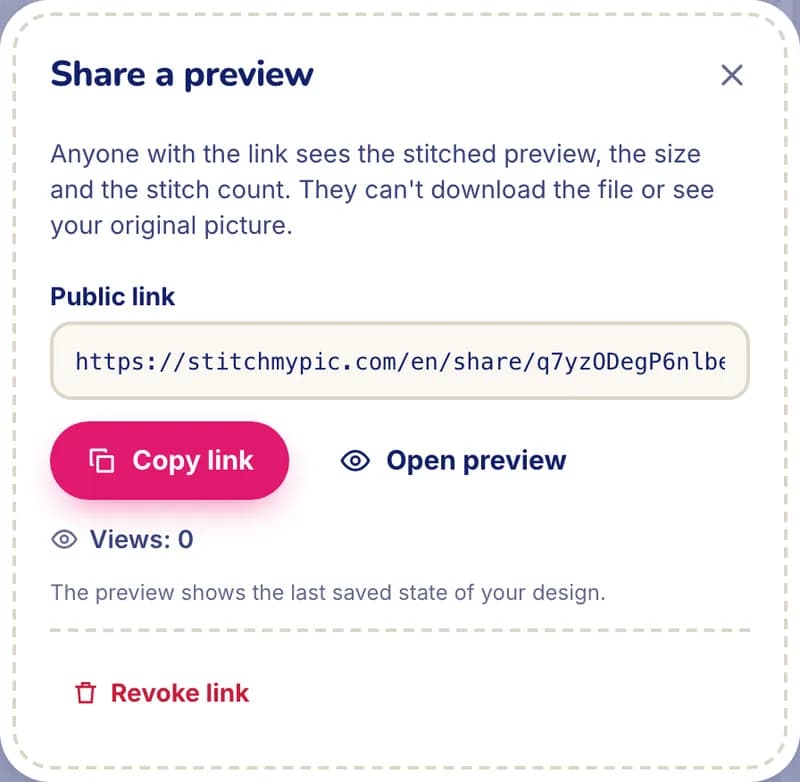
Yes. From the editor you can create a read-only preview link that shows the stitched design, its size and stitch count, without the file or your original picture. You can revoke it at any time.
Related features
All features“Will it embroider well?” check
A verdict on your picture with one-click fixes for size, colours and background.
Garment mockup
Your stitched design on a t-shirt, hoodie, cap, tote or jacket at true scale, exported as PNG.
My machine & my threads
Your hoop, file format, machine speed and the spools you own, from 75 thread charts.