
Picture in, stitches out
Your picture, stitched in 30 seconds.
Upload a logo, drawing or pet portrait. StitchMyPic digitizes it like a professional would – satin borders, tatami fills, underlay, smart stitch order – and gives you a file your machine will actually sew.
Free preview · No card needed · 1 free download
- Works with Brother, Janome, Bernina, Tajima & more
- Exact thread numbers for 75 brands
- Credits never expire
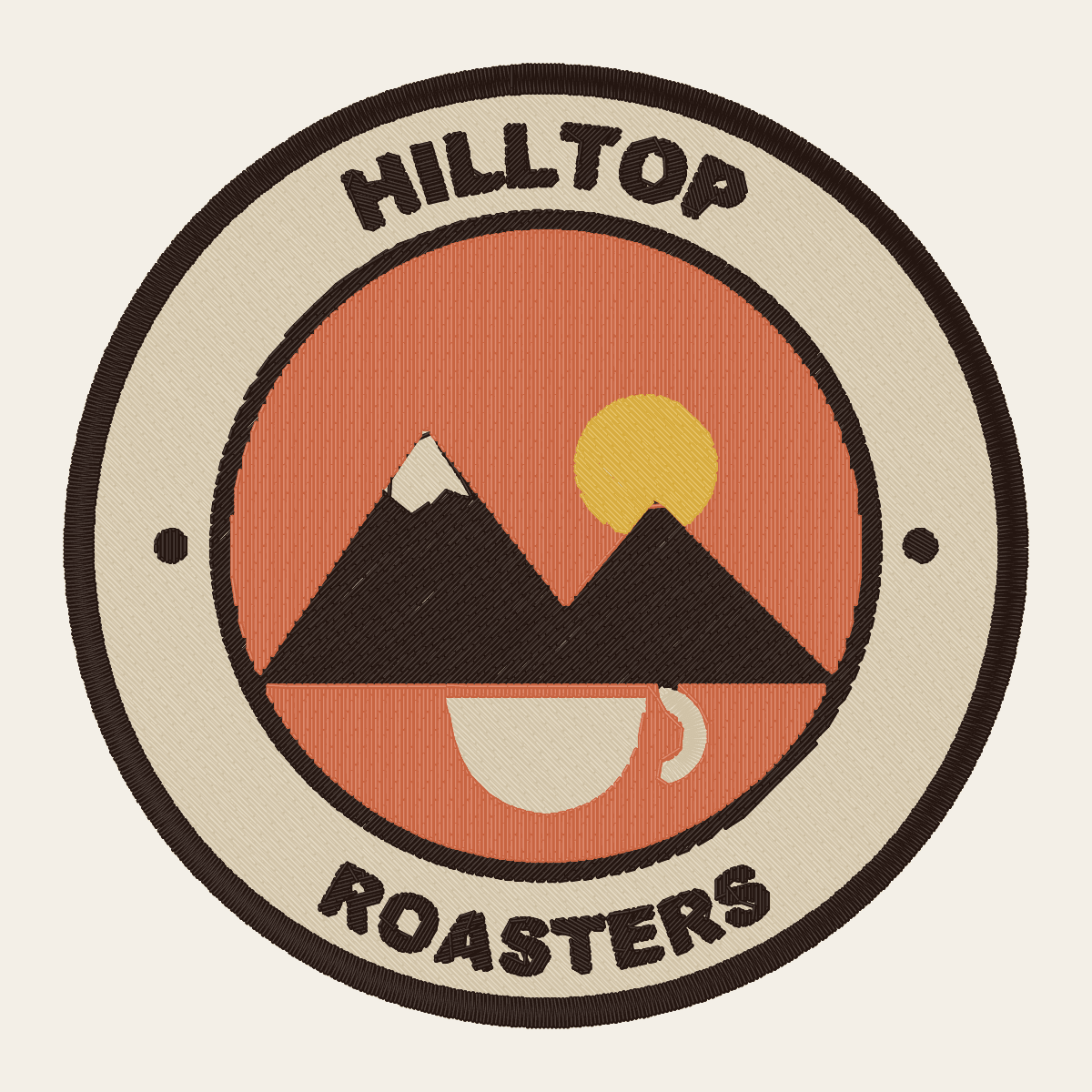
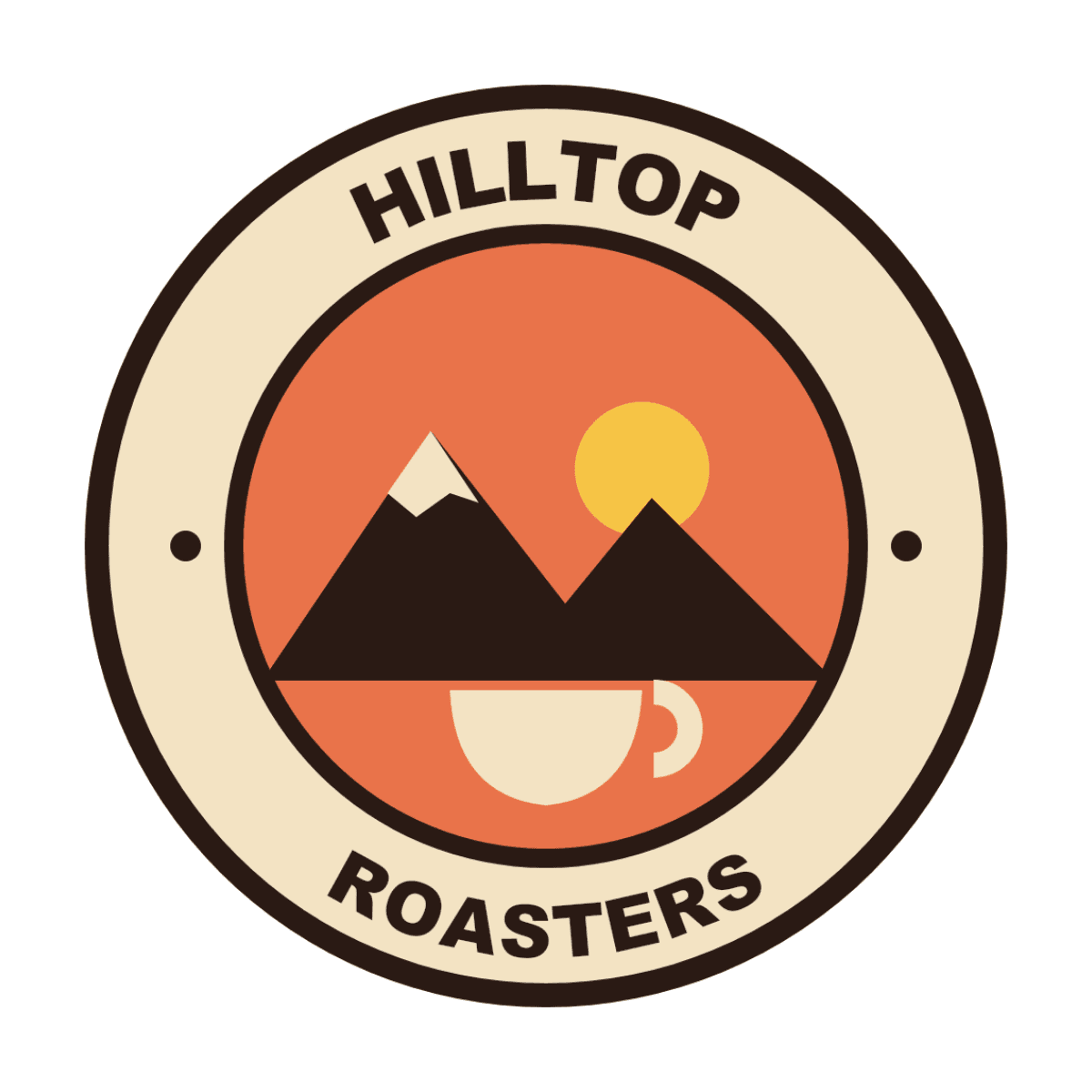
Try it now – free
Drop a picture, see it stitched
Your picture is digitized right here in your browser. No account needed to see the result.
Machine files:.PES.DST.JEF.EXP
How it works
From picture to hoop in three steps
- 1
Upload a picture
PNG, JPG, WEBP or SVG. Logos, clip-art, drawings and cartoon pets work best. Remove a background or sharpen a blurry file with one click.
- 2
Preview and tweak
See every stitch in a realistic 3D preview before you pay. Set the size for your hoop, merge or recolor threads, add text in 37 embroidery fonts.
- 3
Download and stitch
Get PES, DST, JEF and EXP plus a thread color sheet. Re-download in any size or format for 7 days at no extra cost.
Inside the editor
See every stitch before you pay
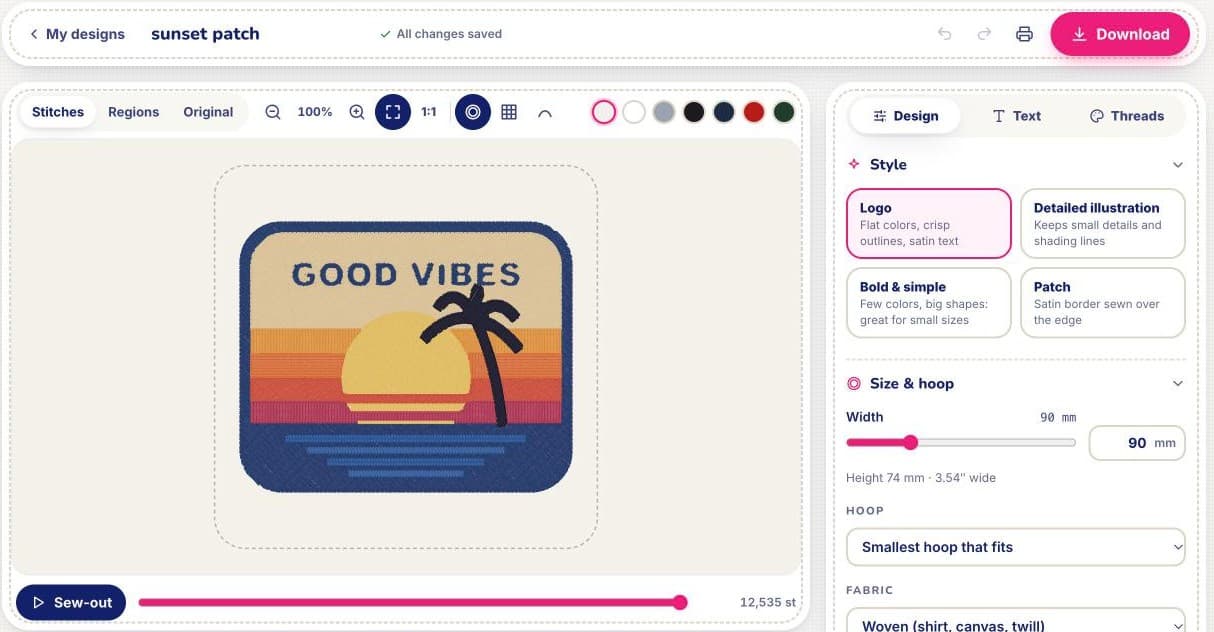
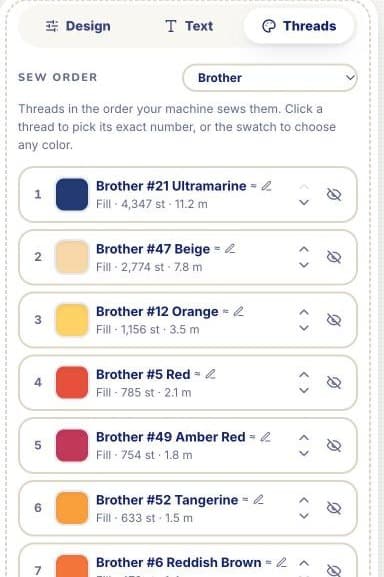
Your design is digitized right in the browser in a few seconds. Change the size, colors and threads, watch it sew out stitch by stitch, and download only when it looks right.
Real results
Straight out of StitchMyPic
No retouching. Every example below is the untouched output of our engine, rendered stitch by stitch from the same file you download.
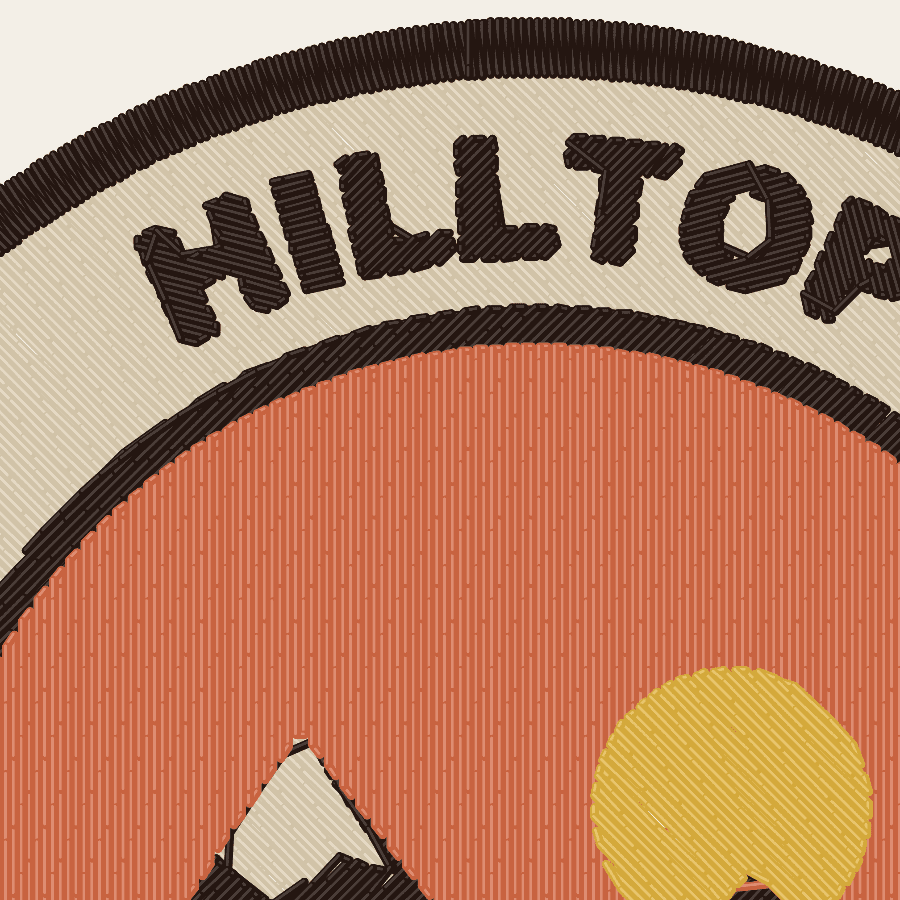
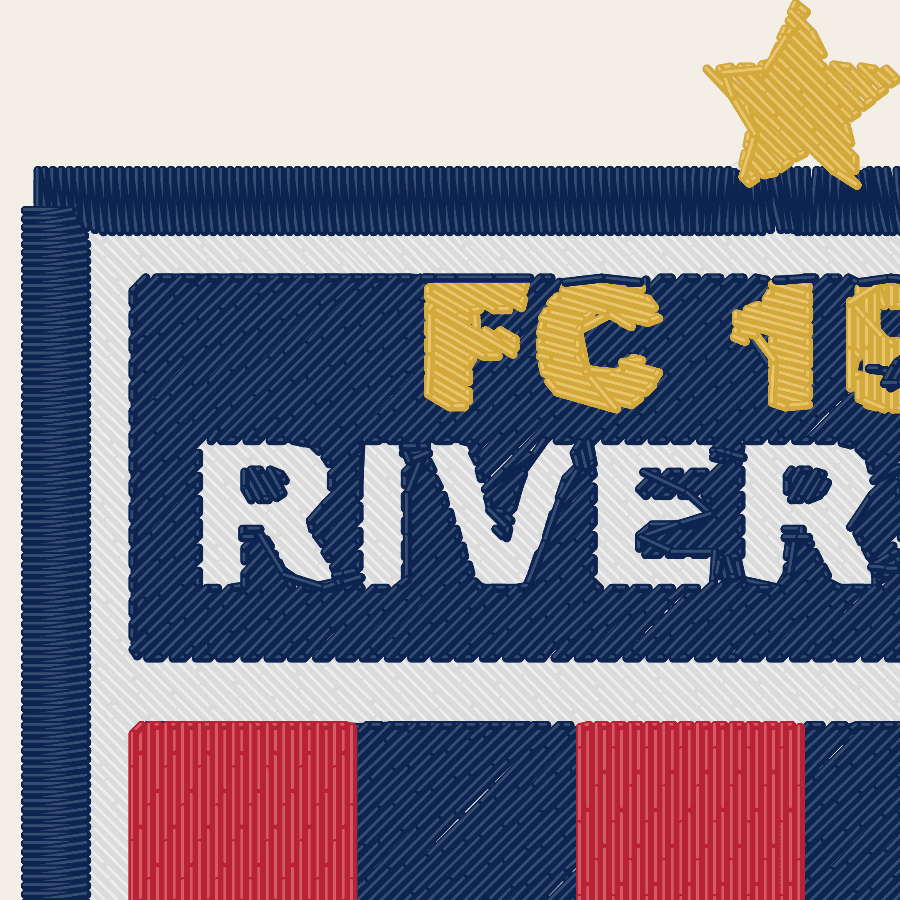
Digitized, not traced
The details that make a design sew cleanly
Auto-digitizers usually fill every shape with the same flat rows, so the result puckers, gaps and loses its details. Our engine plans each shape the way a professional digitizer would.
- Satin for borders and lettering
- Narrow shapes get smooth satin columns that follow the stroke, with short stitches in tight curves.
- Fills that lie flat
- Wide areas get tatami fills with underlay and pull compensation, so colors meet without gaps.
- Smart stitch order
- Colors are sewn back to front with as few jumps and trims as possible, which means less thread clipping by hand.
- Small details kept
- Thin lines are thickened to a stitchable width and tiny symbols get a clean running stitch instead of a lump.
Everything included
A full embroidery studio in your browser
Realistic preview
See thread sheen, direction and density before you download, plus a sew-out simulation.
Sized for your hoop
Pick 4×4, 5×7, 6×10 or any size in millimetres. We warn you when a design won't fit.
Real thread colors
Match every color to Madeira, Isacord, Brother, Janome, Robison-Anton and 70 more charts.
Text and monograms
37 hand-digitized embroidery fonts with real satin lettering, perfect for names and monograms.
One-click clean-up
Remove the background, sharpen a small or blurry image, or keep just one object.
Edit every region
Change the fill style, angle or color of any area, merge colors, hide parts or erase details.
Borders and patches
Add a satin border that follows your design's outline, ready to turn into a patch.
All formats, one credit
PES, DST, JEF and EXP in one ZIP, re-downloadable in any size for 7 days.
Why StitchMyPic
Hours of digitizing, or 30 seconds
| Feature | StitchMyPic | Hiring a digitizer | Desktop digitizing software |
|---|---|---|---|
| Price per design | From $2.58 | $15–60 | $150–1,500+ up front |
| Time to get your file | About 30 seconds | 1–3 days | Hours of manual work |
| Preview before paying | Yes | Varies | Yes |
| Change size or colors later | Free for 7 days | Often a paid revision | Yes |
| Learning curve | None | None | Steep |
Simple pricing
Pay per design. Credits never expire.
Preview as many designs as you like for free. One credit unlocks a design in every format for 7 days.
From $2.58 per design
Questions
Good to know before you start
Is it really free to try?
Yes. Uploading a picture, adjusting the design and looking at the stitch preview are free and don't need a card. You only spend a credit when you download the finished file. New accounts also get 1 free credit, so your first download is on us.
Which file format does my machine need?
It depends on the brand: PES for Brother, JEF for Janome, DST for commercial machines and EXP for Bernina and Melco. In more detail:
- Brother, Baby Lock and most Bernette and Deco machines: PES.
- Janome, Elna and Kenmore: JEF.
- Tajima, Ricoma, Happy, Barudan, SWF, ZSK and most commercial multi-needle machines: DST.
- Melco and Bernina: EXP.
If you're not sure, check the file list in your machine's manual or on its USB screen. Almost every machine and embroidery program can also read DST.
What kind of picture gives the best result?
Logos, cartoons, clipart, badges and lettering with clear shapes and a limited number of flat colours. Aim for at least 1000 pixels across, sharp edges and good contrast between neighbouring colours. Six colours or fewer usually stitch faster and look cleaner than twelve.
How small can text be?
Keep capital letters at least 6 mm (about 1/4 in) tall for satin lettering, and larger for thin or serif fonts. Below about 4 mm, letters close up and become hard to read, especially on towels or fleece. Tiny marks like ® and ™ are often better removed: they can't be sewn legibly at small sizes.
Do credits expire?
No. Credits you buy, credits from a monthly plan and your free signup credit never expire, even if you cancel your plan.
Can I use the files commercially?
Yes. You can stitch and sell products made with your files, and use them for clients. We claim no ownership of your designs. The one condition is that you have the right to use the artwork you upload: for example your own logo, your own drawing, or a design you have a licence for. Don't upload other companies' logos or characters without permission.
Your next design is one upload away
Try it with your own picture. The preview is free and your first download is on us.
Upload your picture