
WEBP → EXP converter
Convert WEBP to EXP embroidery files
Turn your WEBP picture into a ready-to-stitch EXP file for Bernina or Melco machines. StitchMyPic digitizes it the way a person would, with satin borders, tatami fills, underlay and an optimized stitch order, and shows you every stitch before you download.
- Free stitch preview
- 1 credit per download
- PES, DST, JEF and EXP in one ZIP
Free preview · no account needed
Drop your WEBP – see it as EXP stitches
No account needed for the preview: your picture is digitized right here in your browser. You only use a credit when you download.
Machine files:.PES.DST.JEF.EXP
What a picture looks like once it's stitched
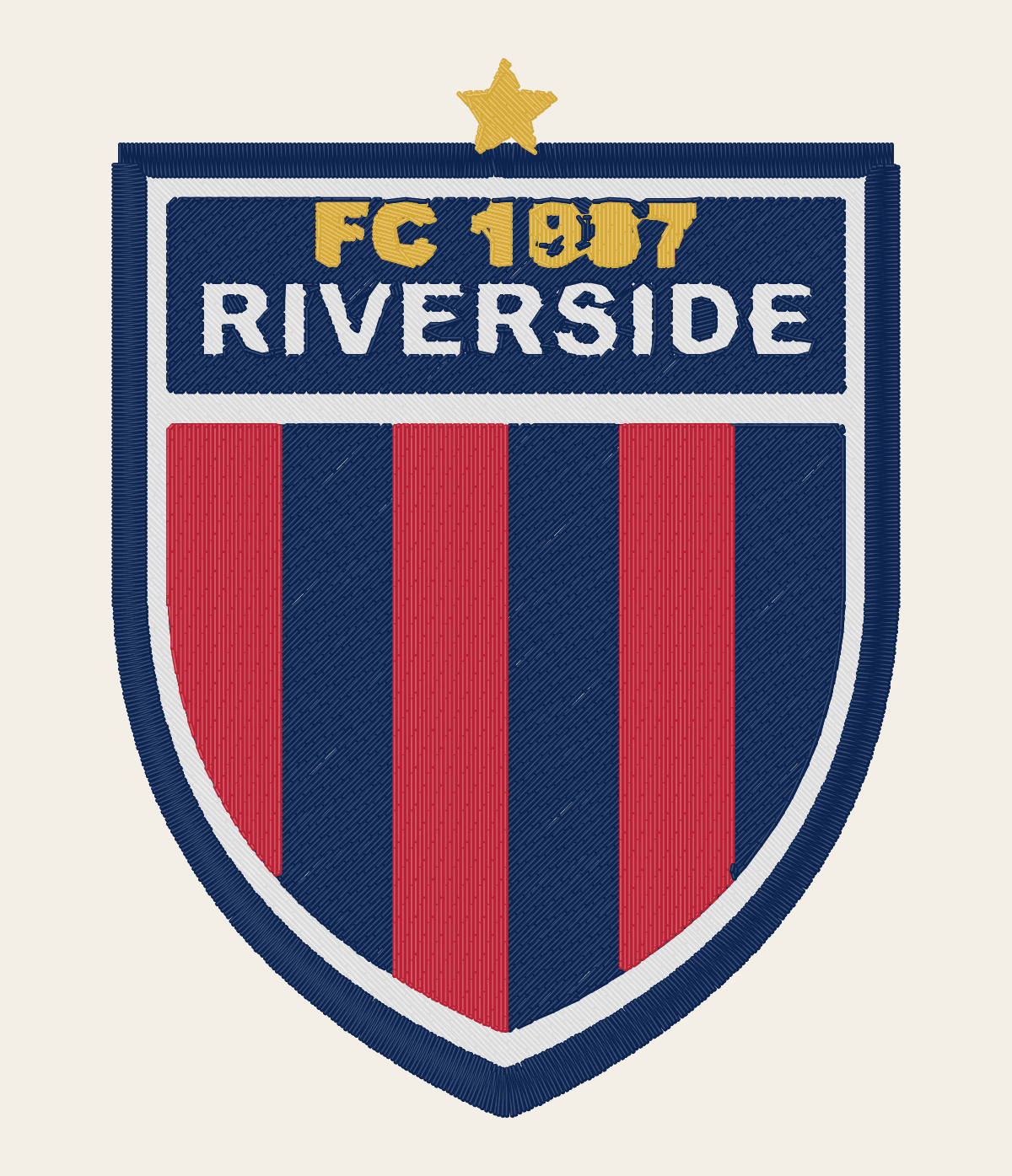
Drag the handle to compare the original artwork with the stitch simulation StitchMyPic shows you before you download.
FC 1987 Riverside football club crest with red and navy stripes

How to convert WEBP to EXP
- 1Drop your WEBP into the tool above. No need to convert it to PNG first.
- 2Set the stitched width in millimetres or inches for your hoop, then check the stitch preview, stitch count and sewing time.
- 3Note the colour order: EXP has no thread colours, so the machine shows defaults. Follow the production sheet in the ZIP.
- 4Download the ZIP (PES, DST, JEF and EXP), unzip it and copy the EXP file to your machine.
Preparing your WEBP for embroidery
WEBP is the format most websites and social networks serve today, so it's often what you get when you save a logo from a page. It can be lossy, with soft halos around edges like a JPG, or lossless like a PNG, and it supports transparency. StitchMyPic reads it directly: there's no need to convert it to PNG first.
- Save the largest version the site offers; thumbnails are often only a few hundred pixels wide.
- Check the edges at 100% zoom: blurry or blocky outlines become wobbly satin borders.
- If the artwork owner can send the original logo file, prefer it over a web copy.
What you get in the EXP file
EXP is the Melco "expanded" format, read natively by Melco commercial machines and by Bernina home machines. It's about as simple as a stitch file gets: no header, just a pair of signed bytes for each move (up to 12.7 mm), with escape codes for jumps and colour changes. Like DST it carries no thread colours. Bernina's software saves companion files with colours and a preview image next to the EXP, but the machine sews from the EXP alone.
| Created by | Melco |
|---|---|
| Read by | Bernina home machines, Melco commercial machines |
| Thread colours stored | No (Bernina keeps colours in a separate .INF file) |
| Stitch precision | 0.1 mm |
| Longest single move | 12.7 mm; longer moves are split automatically |
| Also in the file | Nothing: no header at all |
WEBP to EXP: common questions
Is the WEBP to EXP converter free?
The preview is free and needs no account: drop your WEBP above and you see the stitches, stitch count and sewing time. Downloading uses one credit, from $2.58 per design, and new accounts get one free credit. The ZIP contains EXP plus the other three formats.
Can I use a WEBP I saved from a website?
Yes, as long as you have the right to use the artwork. Save the largest version available, around 1000 pixels across for a 100 mm design. Small web thumbnails give jagged edges, and upscaling them only makes the edges blurry.
Do I need the .INF and .BMP files that Bernina uses?
No. Bernina's software saves them next to the EXP to carry thread colours and a preview picture, but the machine sews from the EXP alone. Without them the design sews exactly the same; the screen just shows default colours instead of your threads.
Is EXP the same file for Bernina and Melco?
Yes, both read the same Melco expanded stitch data. Bernina home machines load it from a USB stick and Melco commercial machines read it natively. On either one, set the colours from the production sheet, because EXP doesn't store them.
How big should I stitch my design?
Most logos and badges look best 70–120 mm wide. Keep capital letters at least 6 mm tall and lines at least 1 mm wide at the final size, and leave 5–10 mm between the design and the edge of your hoop's sewing field. The editor warns you if the design doesn't fit.