
SVG → JEF converter
Convert SVG to JEF embroidery files
Turn your SVG picture into a ready-to-stitch JEF file for Janome, Elna, or Kenmore machines. StitchMyPic digitizes it the way a person would, with satin borders, tatami fills, underlay and an optimized stitch order, and shows you every stitch before you download.
- Free stitch preview
- 1 credit per download
- PES, DST, JEF and EXP in one ZIP
Free preview · no account needed
Drop your SVG – see it as JEF stitches
No account needed for the preview: your picture is digitized right here in your browser. You only use a credit when you download.
Machine files:.PES.DST.JEF.EXP
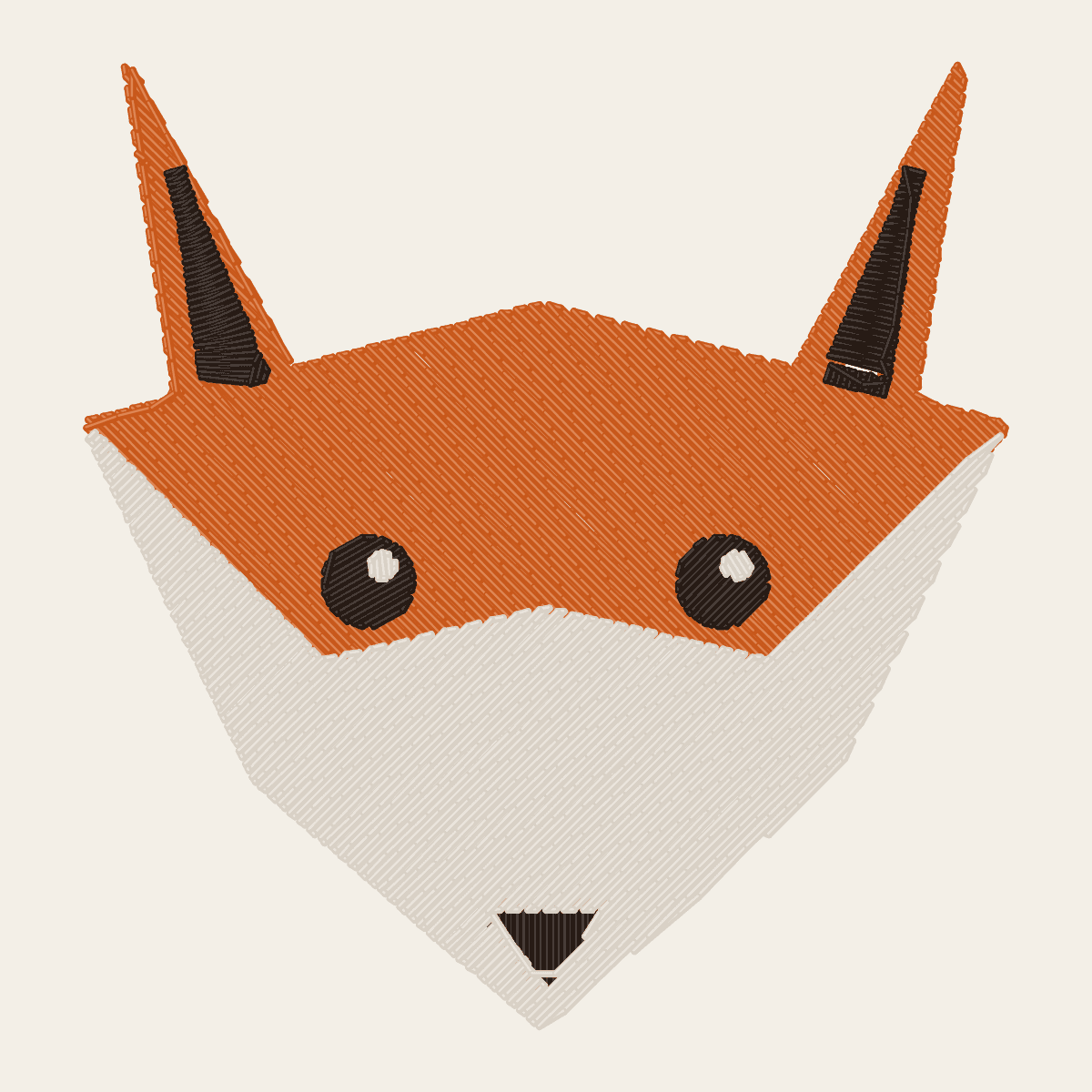
What a picture looks like once it's stitched
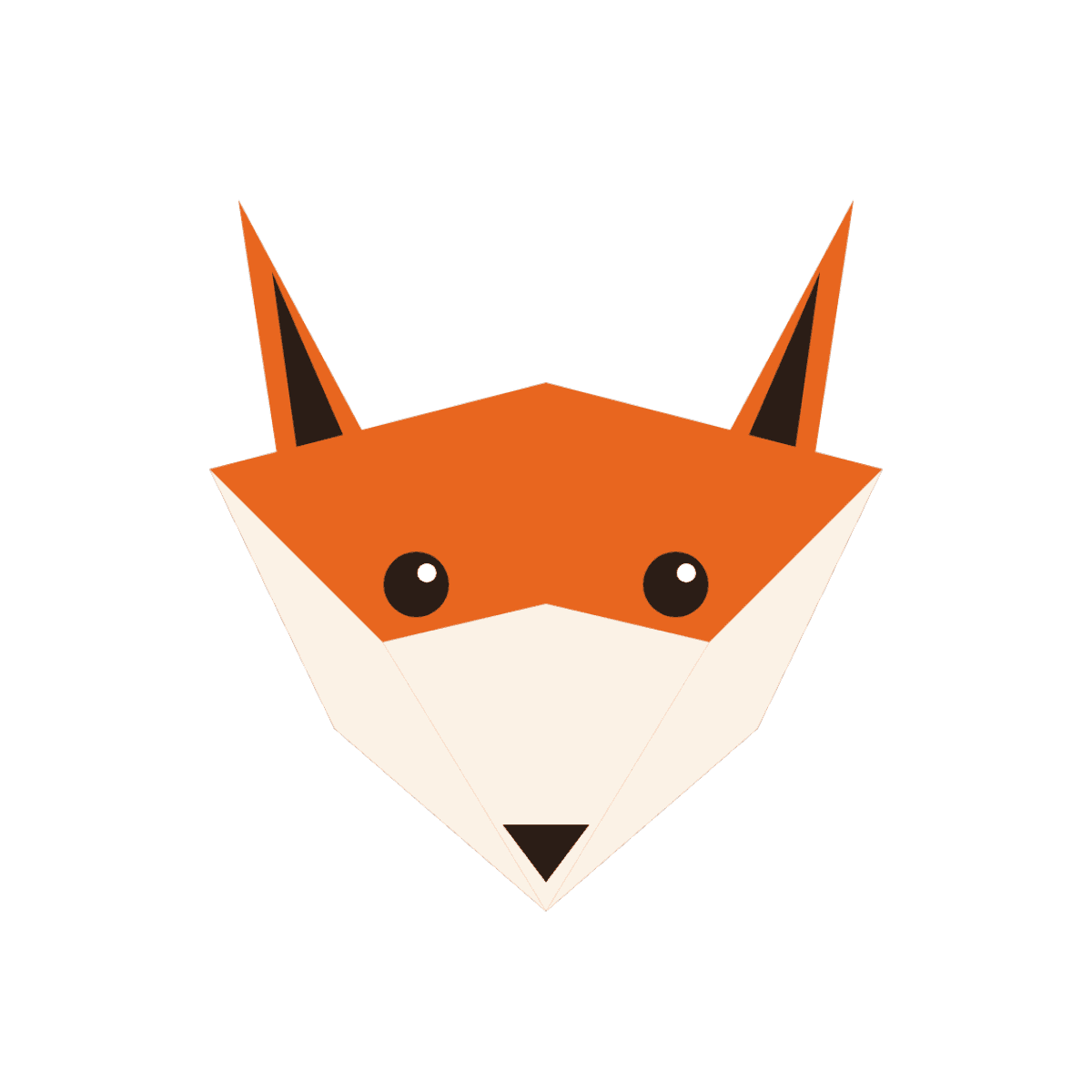
Drag the handle to compare the original artwork with the stitch simulation StitchMyPic shows you before you download.
Geometric orange fox head mascot
How to convert SVG to JEF
- 1Drop your SVG into the tool above. It's rendered at full resolution before digitizing.
- 2Set the stitched width in millimetres or inches for your hoop, then check the stitch preview, stitch count and sewing time.
- 3Check the colours: JEF stores them from the Janome thread chart, so your machine's screen shows the matching thread for each stop.
- 4Download the ZIP (PES, DST, JEF and EXP), unzip it and copy the JEF file to your machine.
Preparing your SVG for embroidery
SVG vector logos are ideal for embroidery: they're made of exact shapes and flat colours, which is exactly what thread needs. StitchMyPic renders your SVG at the size you stitch it before digitizing, so curves and corners stay crisp however large the design is. Gradients, shadows and transparency effects can't be sewn as such, so they're flattened into solid colour areas.
- Convert text to outlines (paths) before exporting, so the lettering doesn't depend on installed fonts.
- Replace gradients with two or three flat colours.
- Delete hidden layers and details smaller than about 2–3 mm at the final size.
What you get in the JEF file
JEF is Janome's home embroidery format, also used by Elna and by Kenmore machines built by Janome. Like PES it stores thread colours as Janome palette colours, so the machine shows sensible colours on screen, and its header records a hoop code that Janome machines and software use to suggest the right hoop; StitchMyPic sets it from the design size. Each move is limited to 12.7 mm, and longer moves are split automatically.
| Created by | Janome |
|---|---|
| Read by | Janome, Elna, Kenmore (Janome-built) |
| Thread colours stored | Yes, as entries in the Janome thread palette |
| Stitch precision | 0.1 mm |
| Longest single move | 12.7 mm; longer moves are split automatically |
| Also in the file | Hoop code that suggests the hoop to use |
SVG to JEF: common questions
Is the SVG to JEF converter free?
The preview is free and needs no account: drop your SVG above and you see the stitches, stitch count and sewing time. Downloading uses one credit, from $2.58 per design, and new accounts get one free credit. The ZIP contains JEF plus the other three formats.
Do I need to convert my SVG to PNG first?
No. Upload the SVG as it is: it's rendered at high resolution before digitizing, so the edges are as clean as they can be. Convert any text to outlines first, because a font that isn't embedded in the file may be replaced by another when it's opened.
What is the hoop code in a JEF file?
The JEF header records which hoop the design is meant for, and Janome machines and software use it to suggest a hoop. StitchMyPic sets it from the design size. You can still sew the design in any hoop whose sewing field is large enough.
Will the JEF file work on my machine?
JEF is native to Janome and is also read by Elna and Janome-built Kenmore embroidery machines. Copy it to a FAT32 USB stick; if it doesn't show up, several Janome models only look inside the folder they create on the stick.
How big should I stitch my design?
Most logos and badges look best 70–120 mm wide. Keep capital letters at least 6 mm tall and lines at least 1 mm wide at the final size, and leave 5–10 mm between the design and the edge of your hoop's sewing field. The editor warns you if the design doesn't fit.